
JoyR+ Smart Ring - User InstructionsUpdated 3 months ago
JoyR+ Smart Ring — I Choose My Vibe
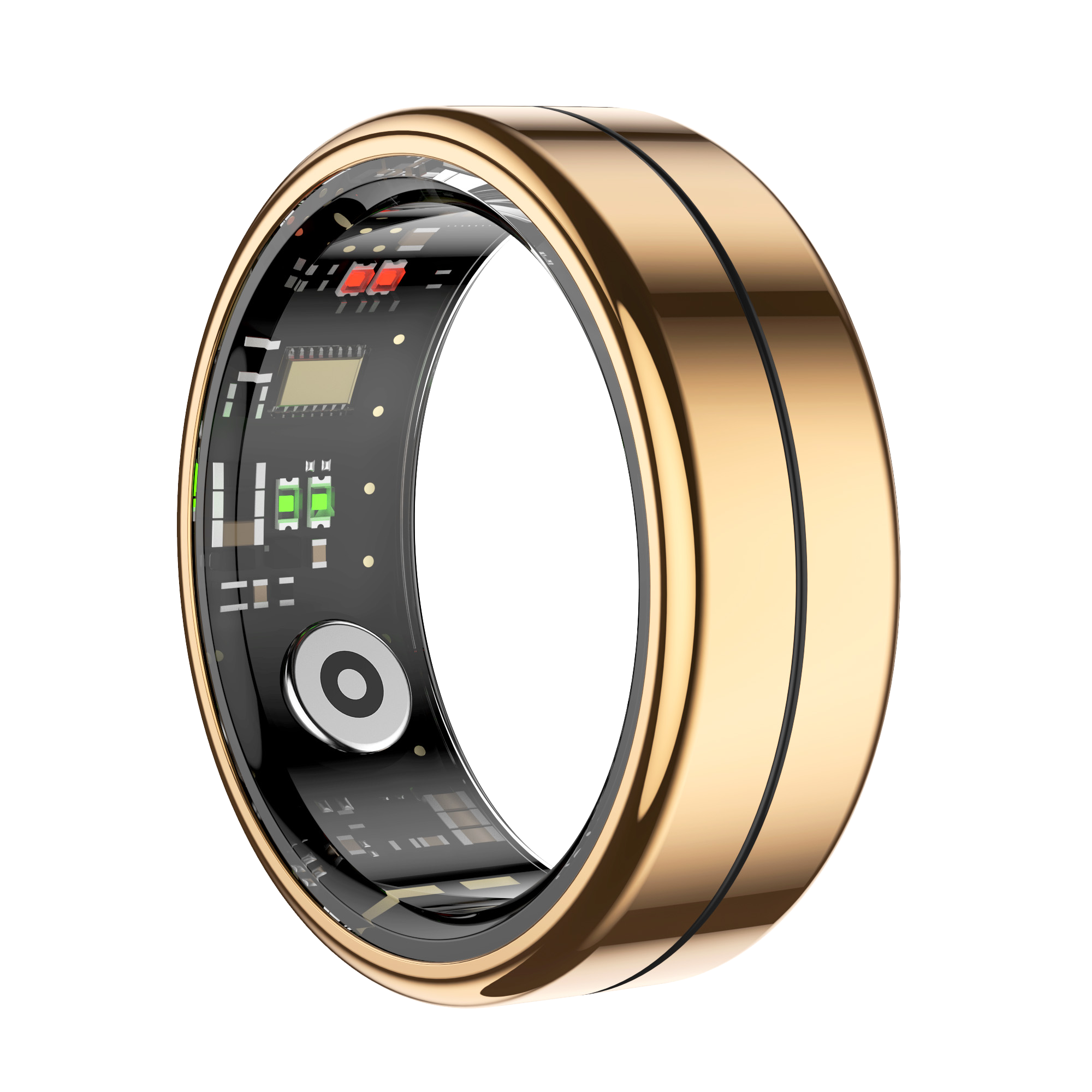
Congratulations on your choice! You are joining us on a shared journey towards a more holistic JOY experience.
I CHOOSE MY VIBE – The JoyR+ Ring is part of a bigger JOY movement. We want to help you make a small daily promise to yourself and your well-being. Small everyday actions for yourself shape a better future. This idea is what JoyR+ was born from.
- Recharge with Rest – Good sleep helps maintain positive vibes.
- Move with Intention – Find your flow through movement.
- Nourish Your Body – Energy from balanced nutrition.
- Stay Present – Breathe, be present, and enjoy today.
User Guide
1) Download the app
- The JOY Vibes app has now been released for both iOS and Android operating systems. Download the app suitable for your operating system from your app store and register as a user.


- NOTE! If you are switching from the Qring app to the JOY Vibes app, you must first delete Qring from your phone. After this, you can pair your ring with the JOY Vibes app.
2) Minimum requirements
- iOS 9.0+ / Android 5.1+ or newer.
3) Charge the ring
- Place the ring into the charging case → connect the cable to a power source → wait for the indicator light.
4) Pair the ring
- Open the app → log in or create an account → pair the ring by following the instructions in the app. Pairing is done directly through the app.
5) Daily routine
- Wear the ring during the day to track your activity and daily rhythm, and at night to track your sleep. Open the app daily to make sure your data syncs.
6) Quick tips
- Data not updating? Open the app in the foreground and check that the charging case has power.
- Connection lost? Remove the device from the app → close the app → turn Bluetooth off and on → pair the ring again through the app.
7) Other information
- We would love to hear your feedback and make our journey even better together. You can send feedback to [email protected] with the subject line: JoyR+ Feedback.
Privacy Policy – read here.