
TinyS® 2026 – InstructionsUpdated 2 months ago
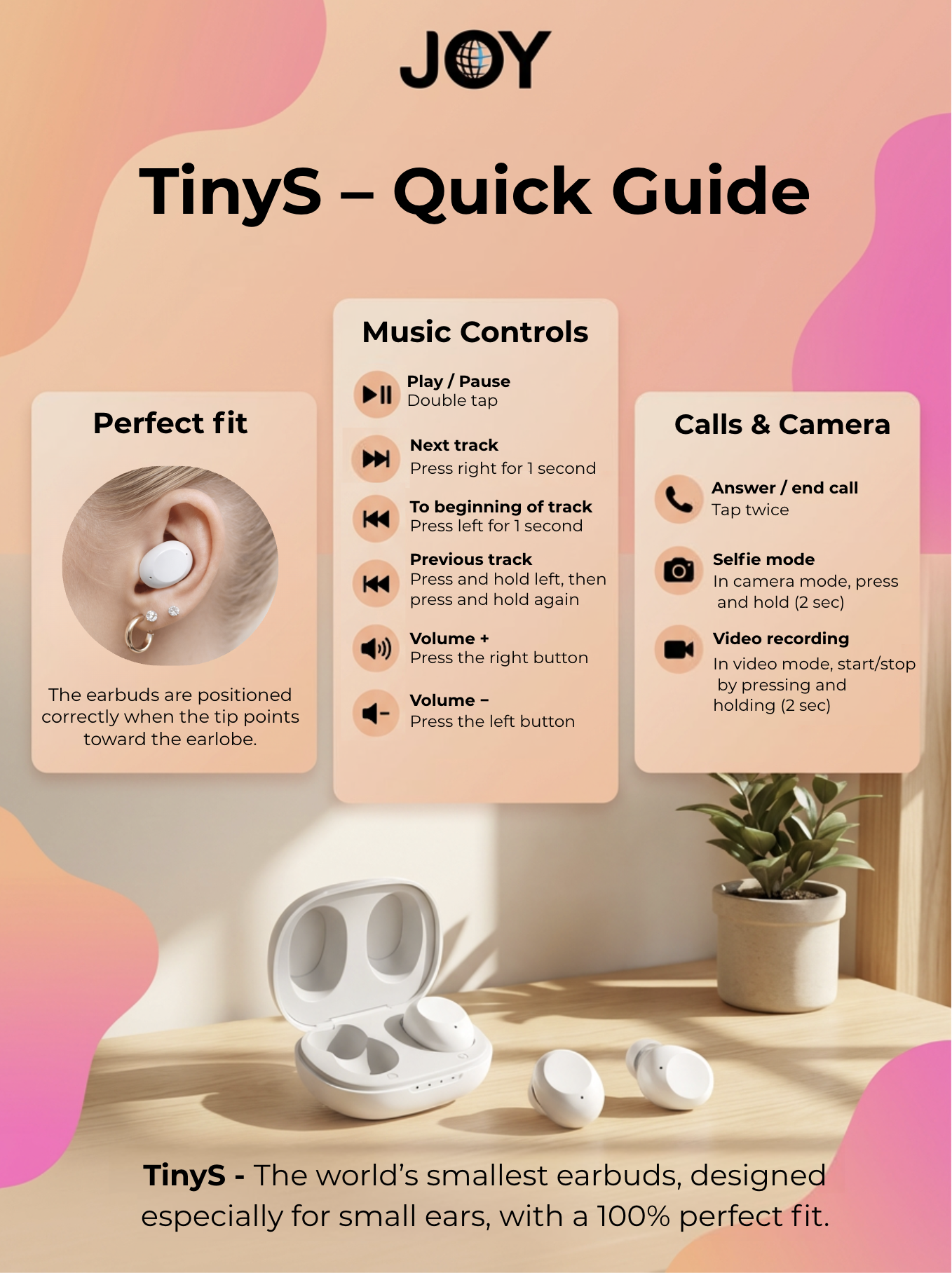
How to Insert TinyS Earbuds Correctly
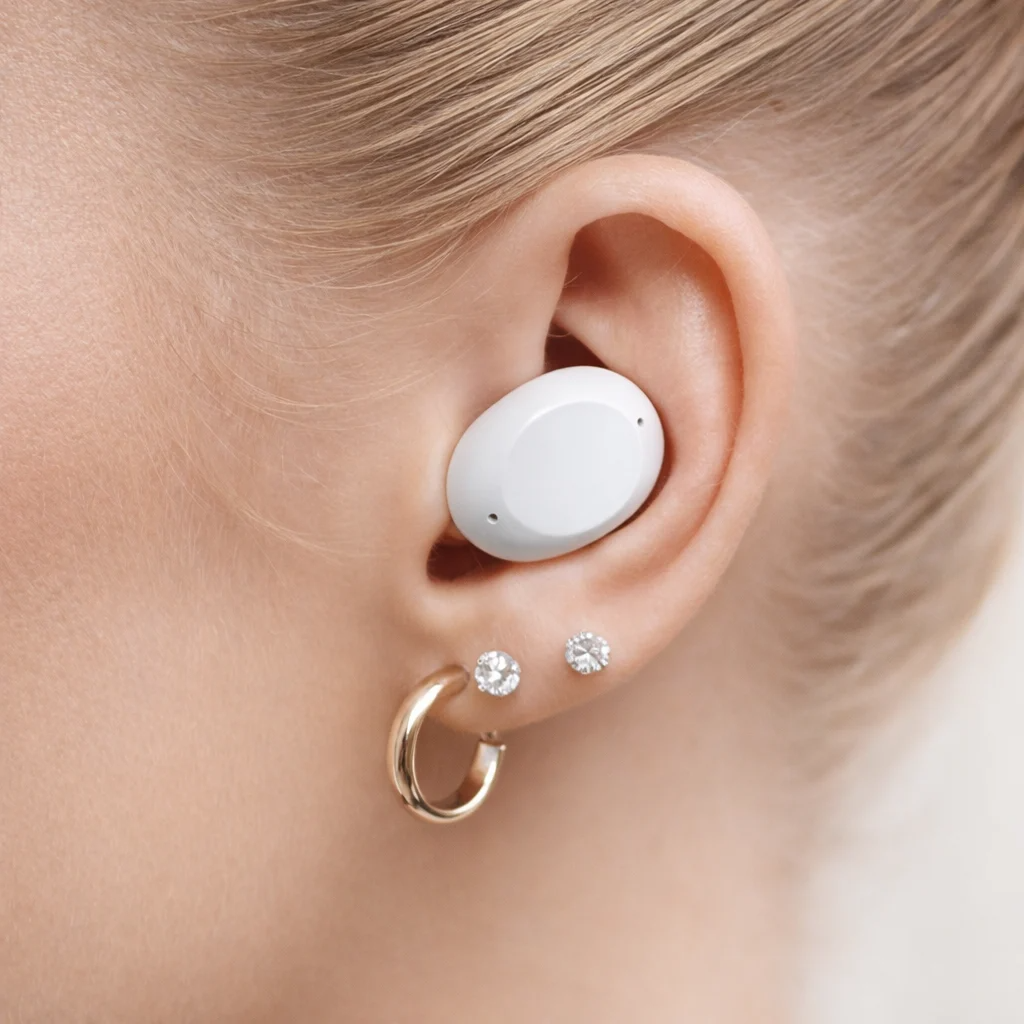
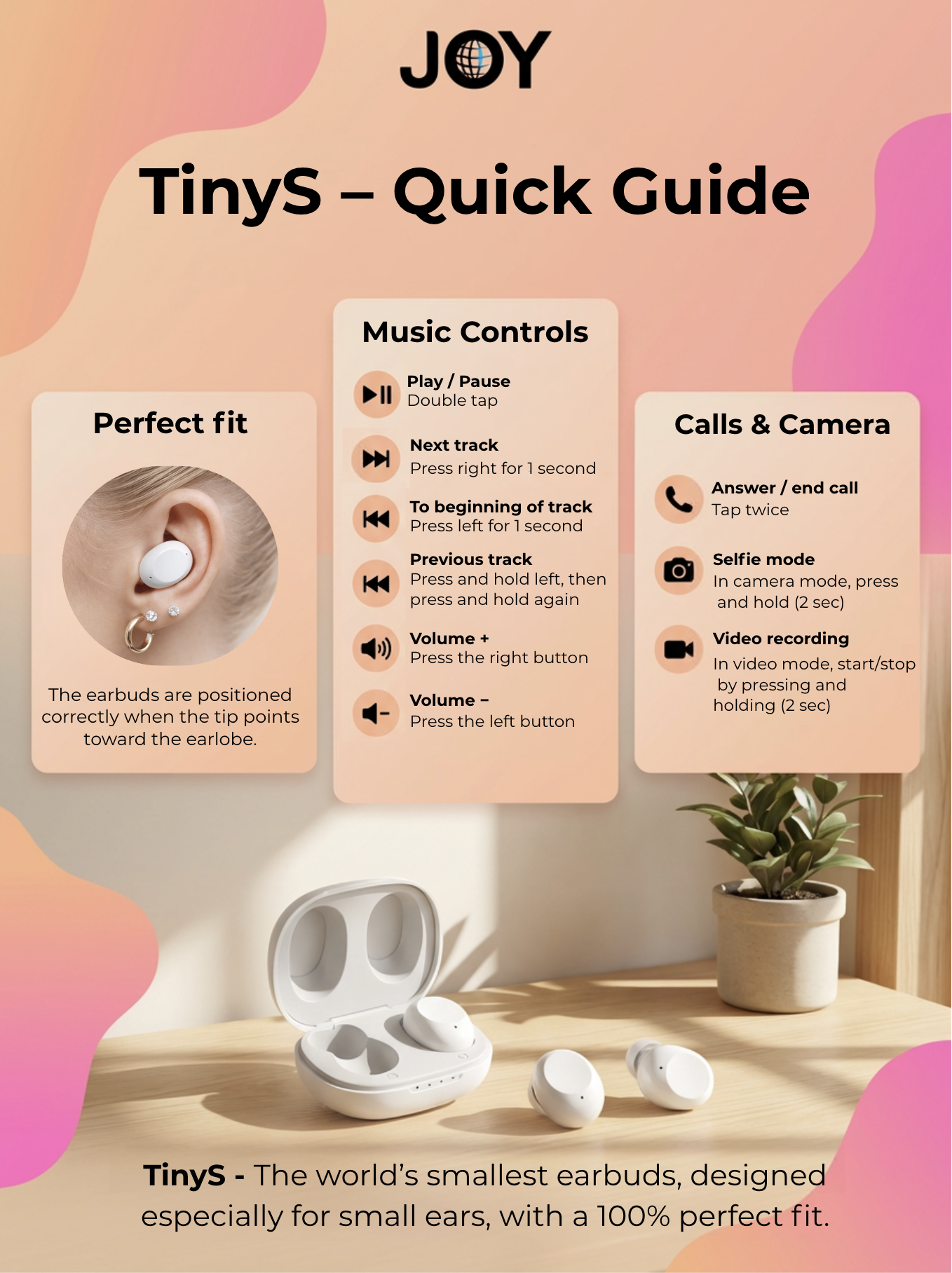
The simplest and easiest way to improve your earbud experience is to place them correctly in your ear. The earbuds are positioned correctly when the tip of the earbud points toward your earlobe and appears to fit naturally into the ear.
You can find the perfect fit for your ears by trying the different ear tips included in the package.
Bluetooth signals react sensitively to skin contact, which can reduce connection range. By using the correct size ear tips, you ensure that the earbud is not inserted too deeply into your ear.
How to Turn the Earbuds On/Off
Reconnect:
Take the earbuds out of the charging case. They will automatically reconnect to the last paired device.
Power Off:
Place the earbuds back into the charging case.
The earbuds will automatically turn off after 3 minutes without a connection.
Press and hold for 12 seconds to manually turn off the earbuds.
How to Control Music / Audiobooks
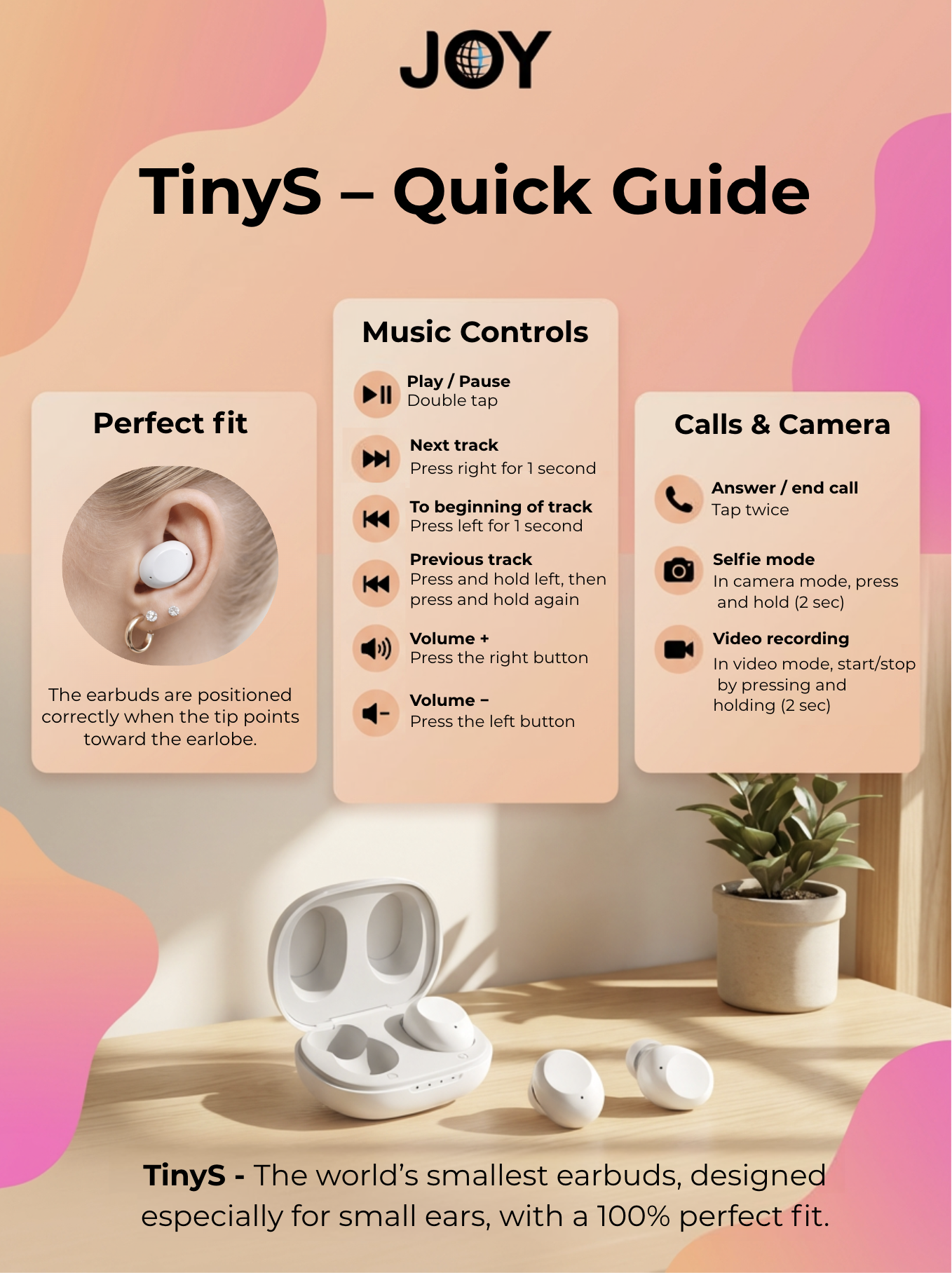
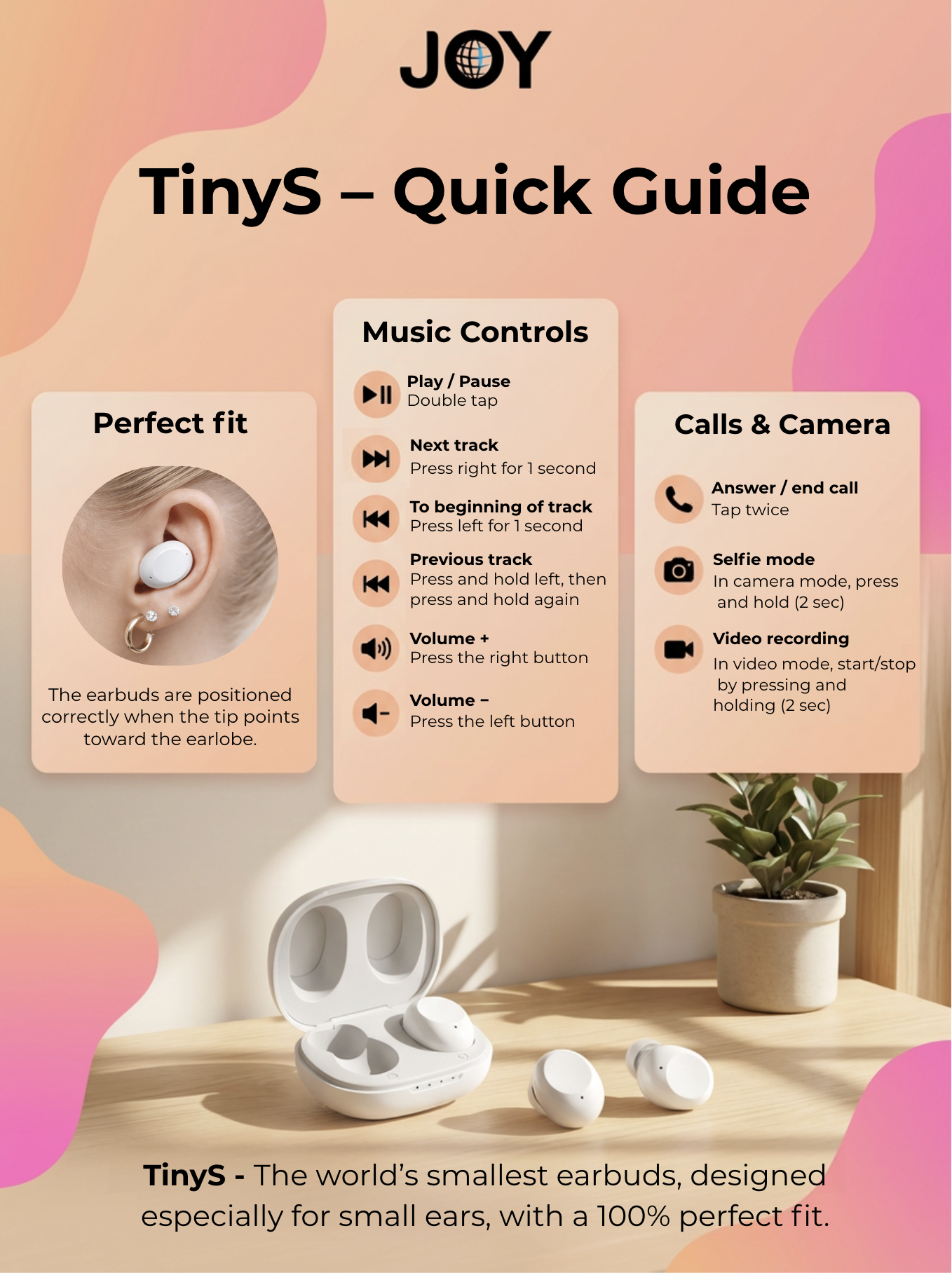
⏯️ Play / Pause: Double tap.
Next track: Press and hold the right button for 1 second.
Restart track: Press and hold the left button for 1 second.
Previous track: Press and hold the left button for 1 second, then press and hold again for 1 second and release.
Increase volume: Press the right button once.
Decrease volume: Press the left button once.
When using a single earbud, the volume control will always increase the volume.
How to Use Game Mode and Voice Assistants
Game Mode:
Press the left or right button 4 times quickly to activate game mode.
Press 4 times quickly again to return to music mode.
Voice Assistant:
Press the left or right button 3 times.
How to Connect Bluetooth and Pair with a Device
Take the earbuds out of the charging case and they will automatically pair with each other.
Then open Bluetooth on your device (for example, your phone) and search for “JOY TinyS for you” to connect.
Reconnect:
Take the earbuds out of the charging case and they will automatically reconnect to the last paired device.
How to Reset TinyS
TinyS Reset
Disconnect the earbuds from your phone.
Place both earbuds in the charging case (make sure the case has battery).
Press the touch surfaces on both earbuds simultaneously for about 10–12 seconds while they are in the case until the lights flash quickly.
Take both earbuds out of the case. 💎 Reset complete.
How to Manage Calls
Answer / End a call: Double tap.
Reject a call: Press and hold the left or right button for 1 second, then release.
Mute function: Press and hold the left or right earbud for 2 seconds during a call.
The earbuds will give an audio notification when mute is turned on or off.
How to Use the Selfie Function
Take a photo: Press and hold (2 seconds) on the left or right earbud while the camera app is open.
Record video: Press and hold (2 seconds) on the left or right earbud while the camera app is open in video mode.
Press and hold again to stop recording.
Re-Pairing the Earbuds
Sometimes new earbuds may not automatically pair with each other. You can create a new earbud pair by following these three simple steps:
1. Charge and wake up the earbuds
Charge the earbuds and the case fully.
Remove both earbuds from the case.
Press both earbuds three times quickly.
The earbuds will start flashing blue and white.
2. Start pairing
When you see the blue and white flashing lights, press the earbuds three times quickly again, then on the fourth press hold your finger on the earbud for about 6 seconds.
Make sure there is no pause between taps.
There should be no delay between the third and fourth tap, otherwise the command will stop.
Also ensure:
You hold the fourth press long enough (6–8 seconds).
The taps are firm enough.
3. Pairing confirmation
When pairing is successful, one earbud will turn off and the other will continue flashing blue and white.
This means the TinyS earbuds have successfully paired with each other.
Good to know:
How can I lower the volume below the minimum level?
With TinyS earbuds, the volume can in some cases be adjusted a little further through your phone. If the sound still feels too loud even on the lowest volume level, you can try adjusting the sound more precisely from your phone.
iPhone
Adjust the volume with the side buttons on your iPhone, or open the Control Centre by swiping down from the top-right corner of the screen and use the volume slider there.
The slider often gives you a bit more control than the physical buttons and may help you set the volume slightly lower than the earbuds would normally allow.
You can also try this setting:
Settings > Sounds & Haptics > Headphone Safety > Reduce Loud Sounds
Please note that on iPhone, it is usually not possible to separately lower the minimum volume of Bluetooth earbuds below the phone’s own minimum level.
Android
On Android phones, an option called Disable absolute volume may help in some cases.
You can usually find it here:
Settings > About phone > tap “Build number” 7 times > Developer options > Disable absolute volume
Turn the setting on, disconnect Bluetooth, and then reconnect the earbuds.
This may help make the volume adjustment smoother, but whether it works depends on your phone model and Android version.
Enjoy your listening experience with JOY Earbuds, designed to bring comfort, great sound, and a joyful audio experience. 🎧